★ Now on the App Store
Type without
switching apps.
Calculator, translator, drawing, GPS, encryption — all inside the keyboard. No app switching, no copy-paste.
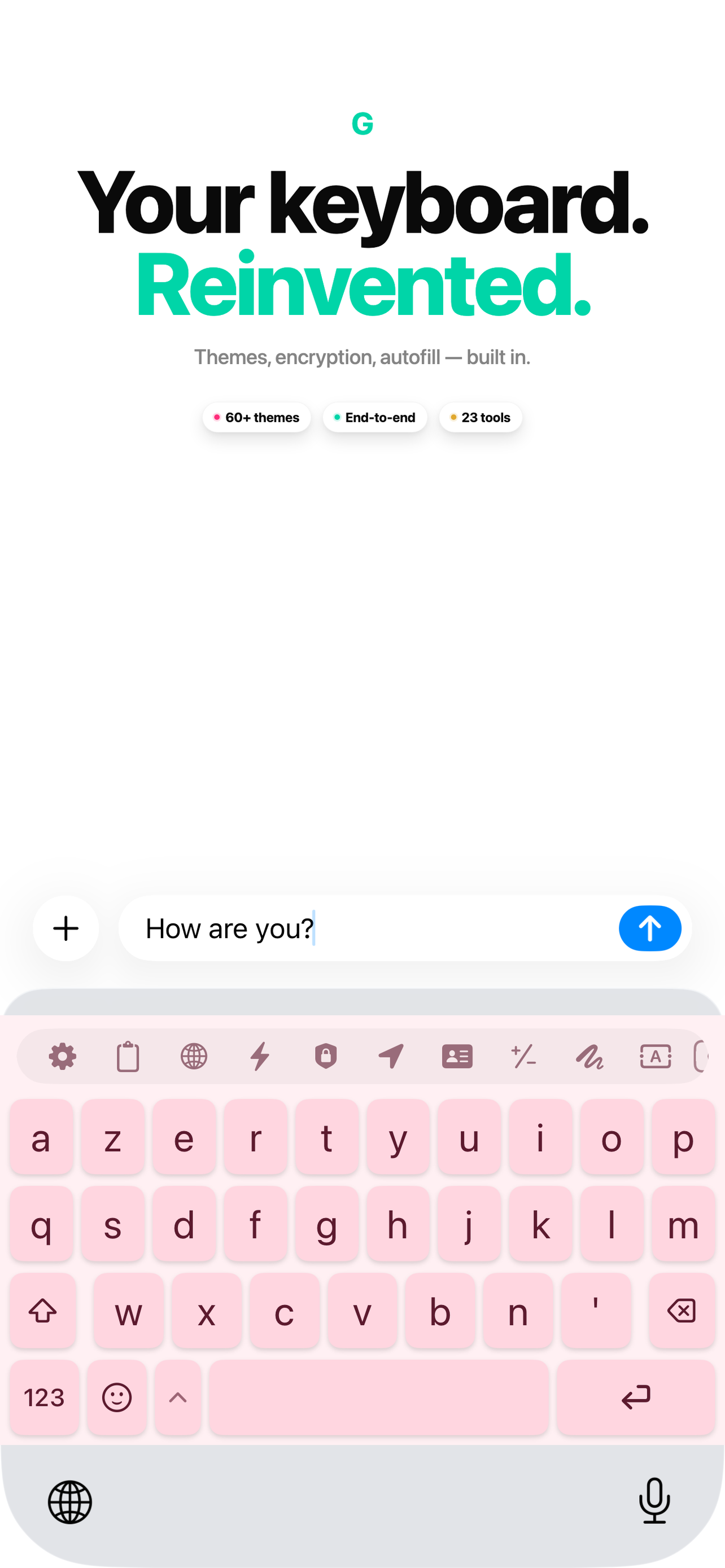
Calculator, translator, drawing, GPS, encryption — all inside the keyboard. No app switching, no copy-paste.
Twenty-three apps reimagined as keyboard tools. No switching, no copy-paste, no friction.
Compute and insert results directly into the chat. No more switching apps.
Real-time translation across 50+ languages with one tap.
Length, weight, temperature, speed. Instant unit conversion.
Sketch and send instantly. Choose from 10 colors and 3 brush sizes.
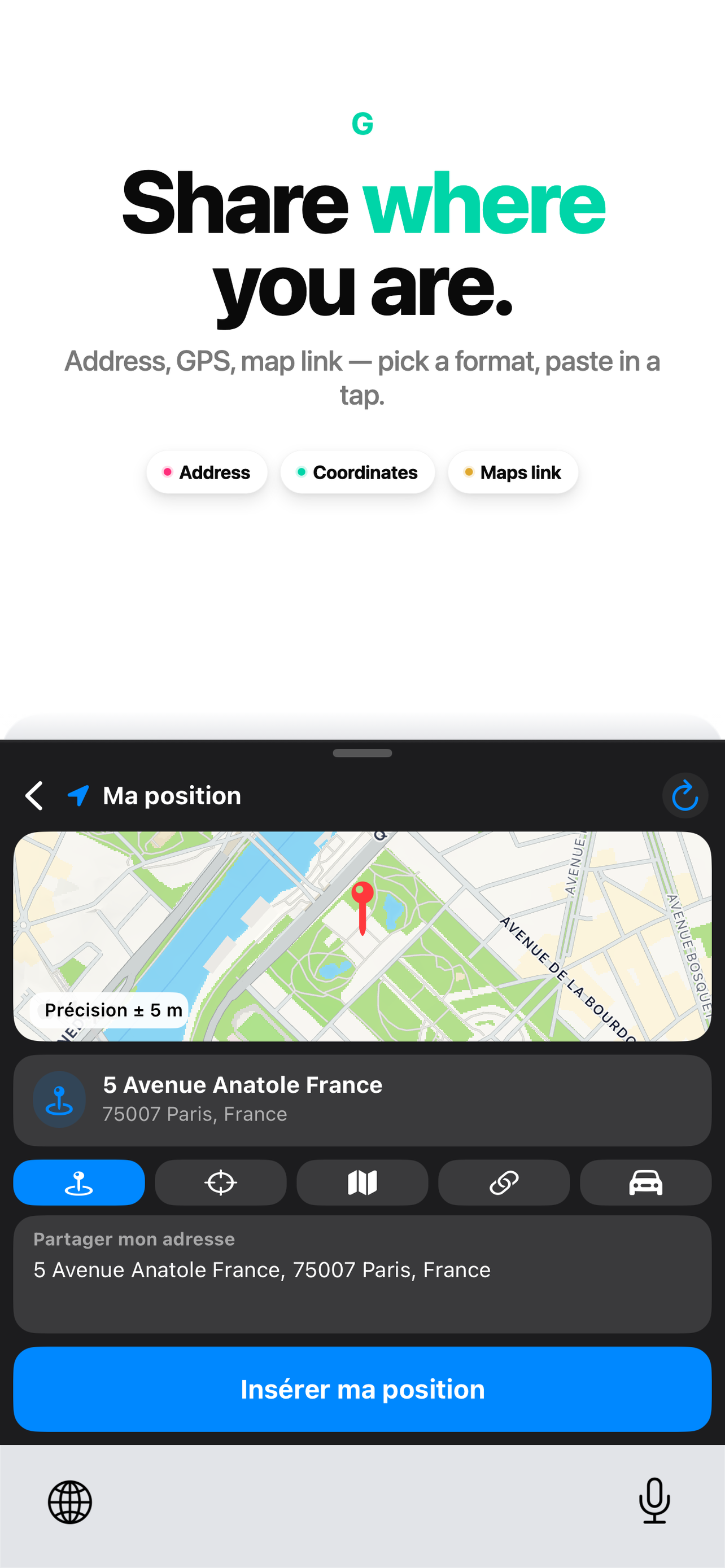
Share address, coordinates, or a Maps link in a tap.
Generate scannable QR codes from any text or URL.
Encrypted end-to-end. No messaging app — not even us — can read what you send, even if hacked.
Save phrases. Paste them anywhere with one tap.
Password generator, hashtags, calendar, dictation, text transform, and more.
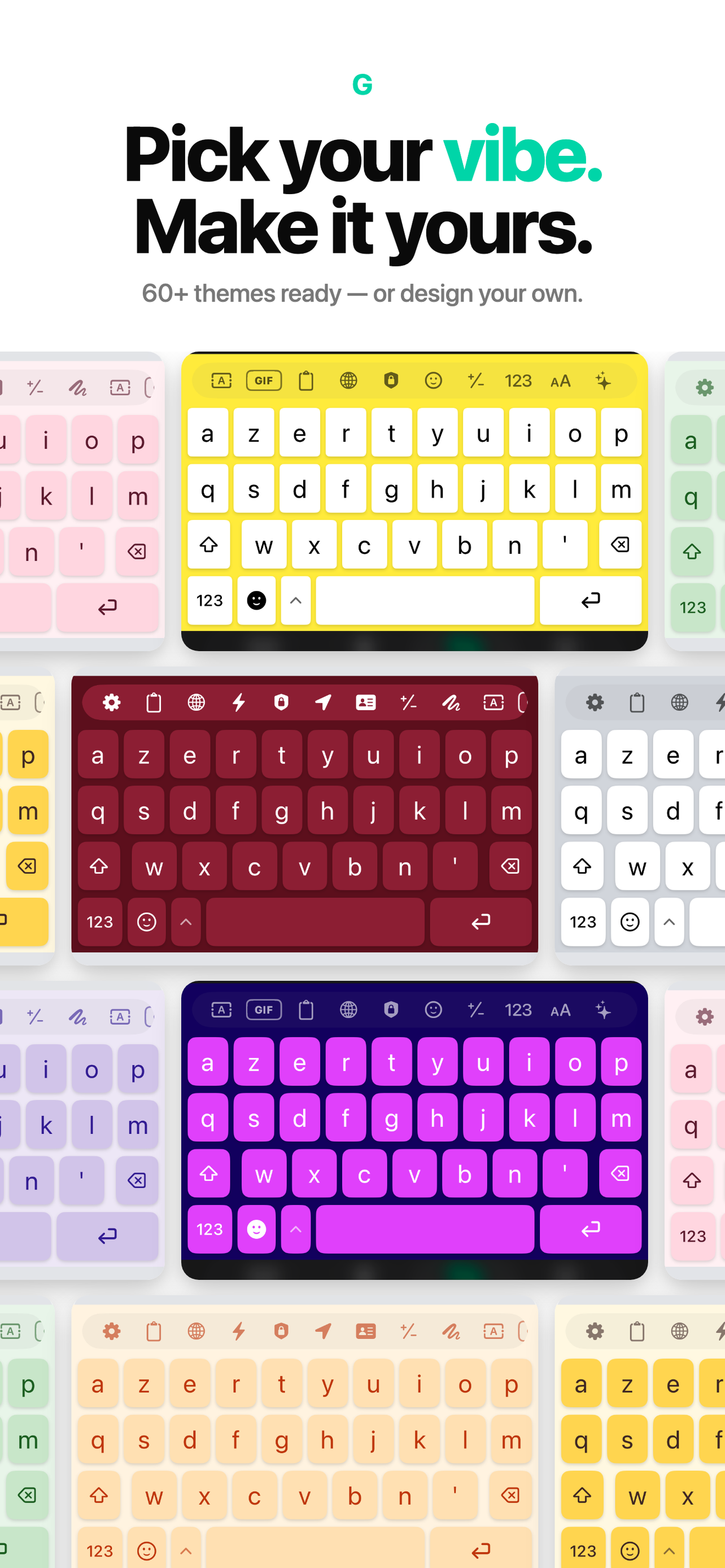
Pastel rose, sunshine, mint, violet, framboise, lavender, peach — and dozens more. Or design your own from scratch with full control over colors, key shapes, opacity, and fonts.
End-to-end encryption. No cloud storage. No third-party SDKs. No analytics. Your keystrokes, themes, and shortcuts never leave your device.
Address, GPS coordinates, or a Maps link — pick a format and paste in one tap. ETA sharing and Apple Maps / Google Maps support built in.
Start free. Upgrade when you need more themes and the custom theme designer.
Open Settings → General → Keyboard → Keyboards → Add New Keyboard → Glyphy. Then enable "Allow Full Access" — it's required for tools like Location, QR generation, and encrypted messaging.
Full Access is required by iOS for any keyboard that needs to use system features like Location, the clipboard, or network calls (for the translator, for example). We never send any data off your device — Full Access is a system permission, not a privacy concession.
No. Glyphy contains zero analytics SDKs and makes no network calls except when you explicitly use a feature that requires it (translator, geocoding for Location). Your keystrokes, themes, shortcuts, and encryption keys all stay on the device.
When you turn on the Encryption tool, your messages are encrypted end-to-end right on your device. Only the recipient you choose can read them — no messaging app, and not even Glyphy, can decrypt them, even if hacked. The decryption key never leaves your device.
Open Settings → [your name] → Subscriptions on your iPhone, then select Glyphy and tap Cancel. Your Premium features stay active until the end of the current billing period.
Not yet. v1.0 is iPhone-only. iPad support with split keyboards and floating tool panels is on the roadmap for v1.1.
Available now on the App Store. iOS 17 and up.